
More Than Just a Digital Display
iPhoto turns guest photography into part of the evening experience.
Instead of photos staying hidden on phones, guests can upload them live to a shared digital display, creating a growing gallery of moments, reactions, and messages throughout the celebration.
It works especially well for couples who want more guest interaction, more natural shared content, and a feature that feels modern without replacing the photographer or photo booth.
iPhoto Highlights
• Live guest photo and message uploads throughout the evening
• Runs on its own private WiFi network
• No venue WiFi required
• Creates a growing shared gallery in real time
• A stylish focal point within the room
• Captures moments your photographer may miss
• Photos supplied after the event
• Designed to encourage guest interaction naturally
What’s Included with iPhoto Digital Display
Standard iPhoto hire includes:
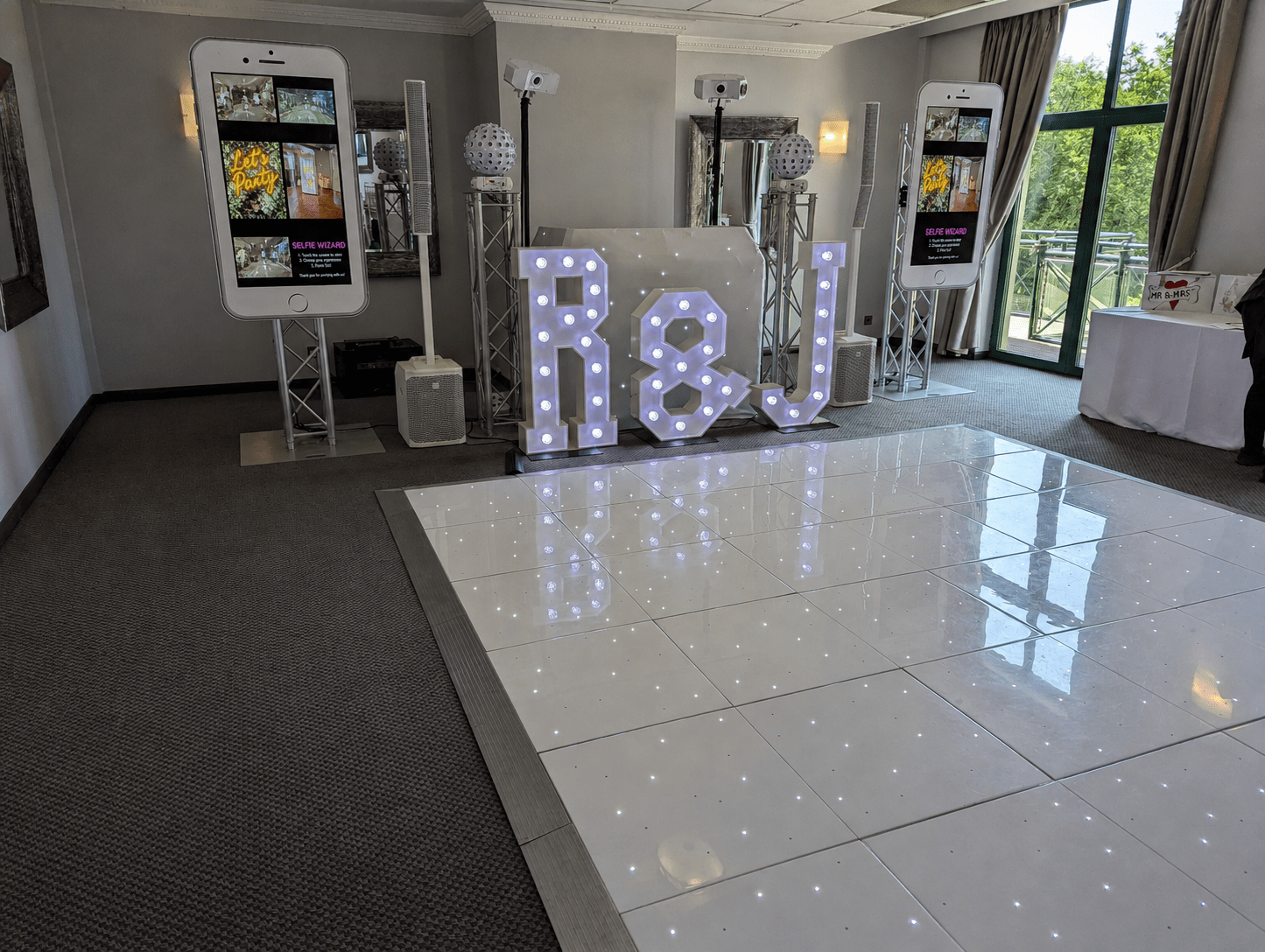
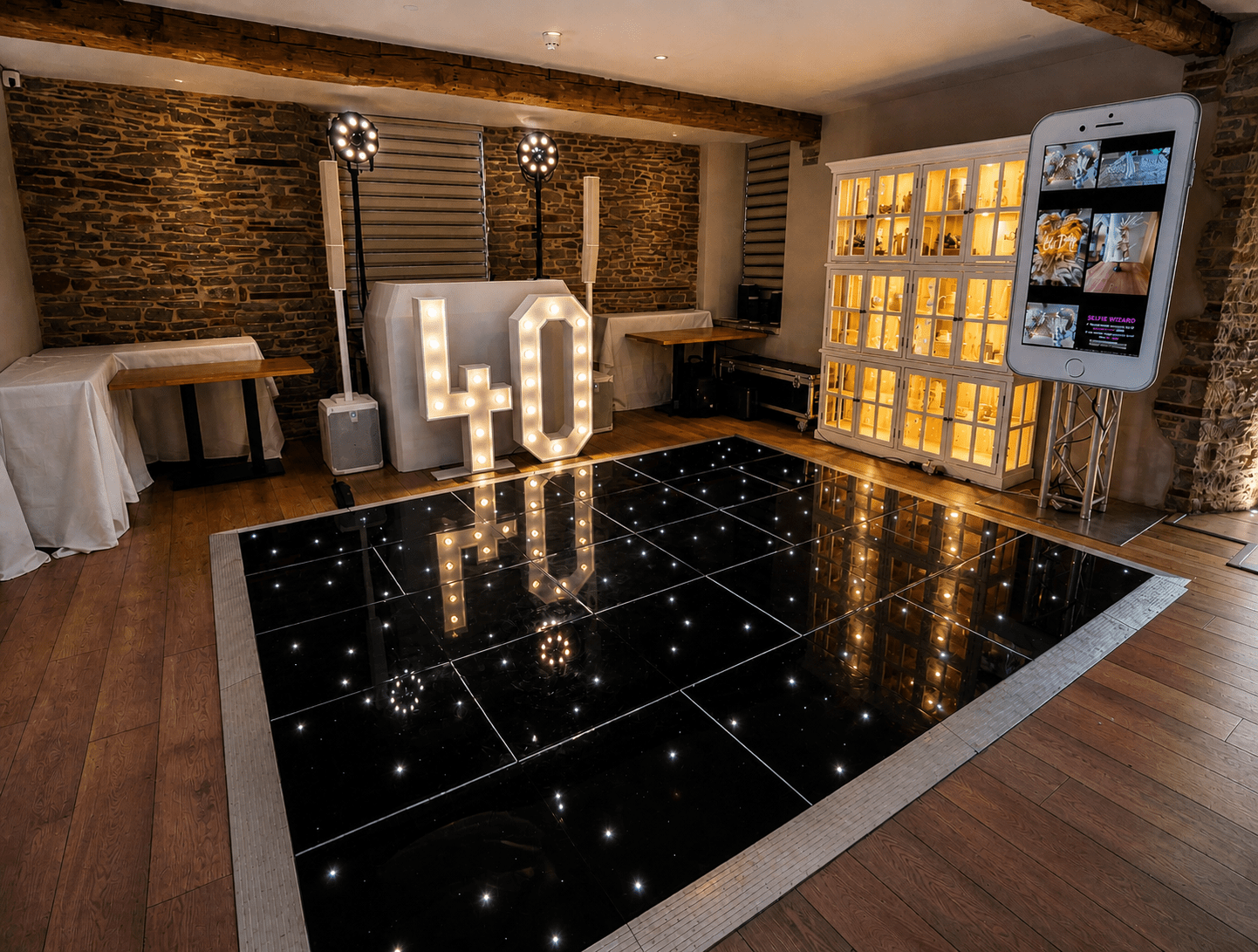
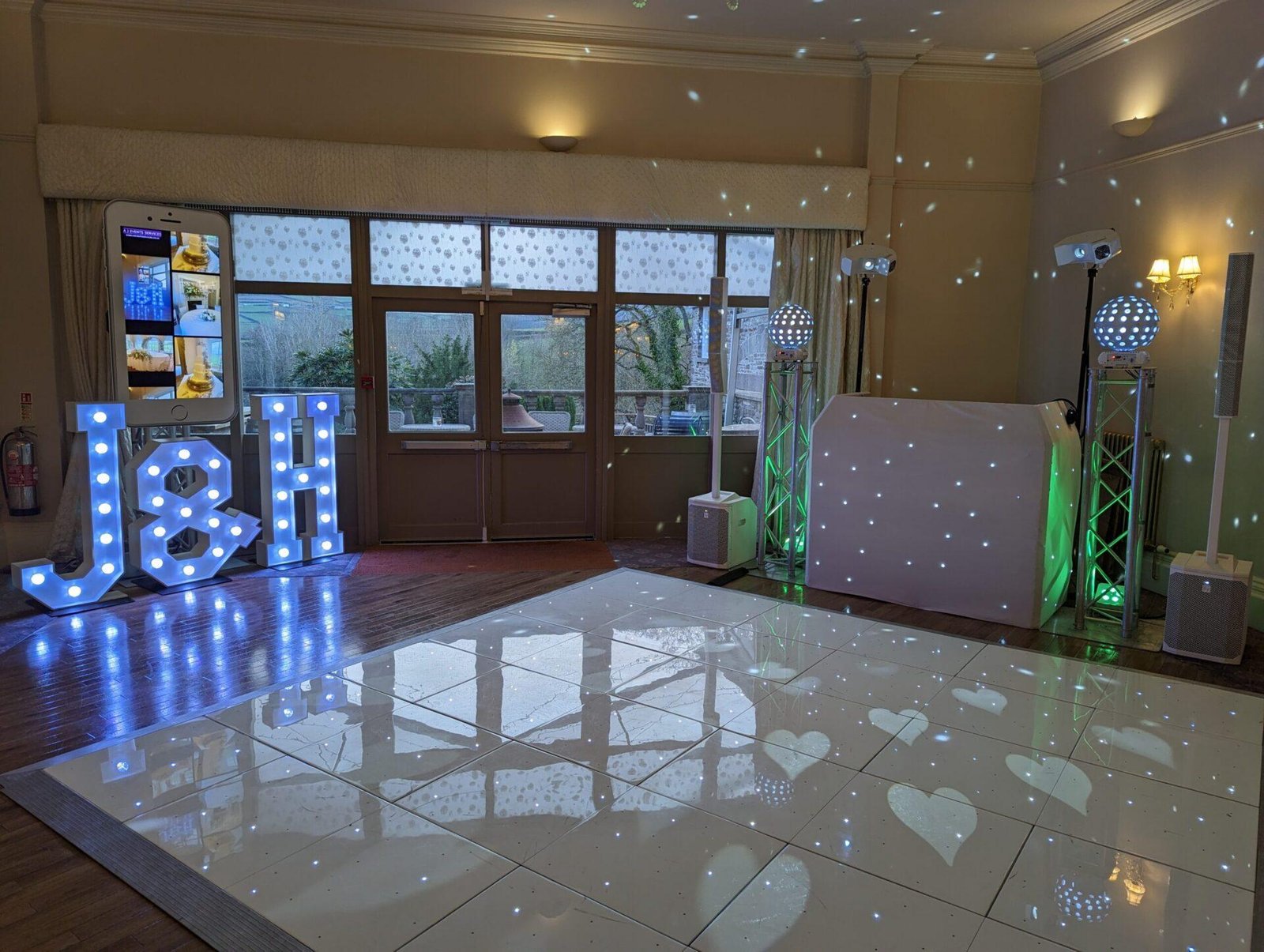
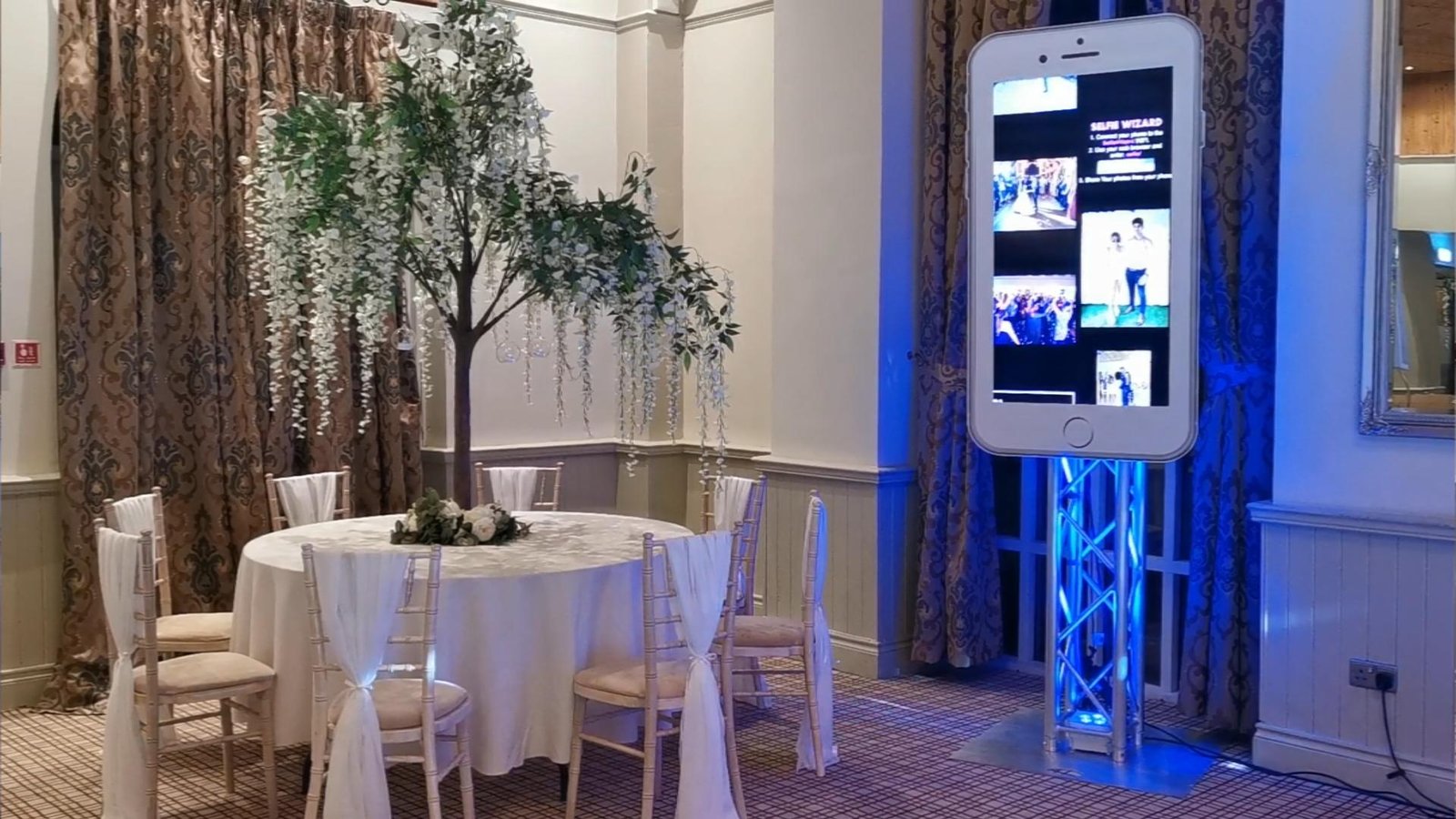
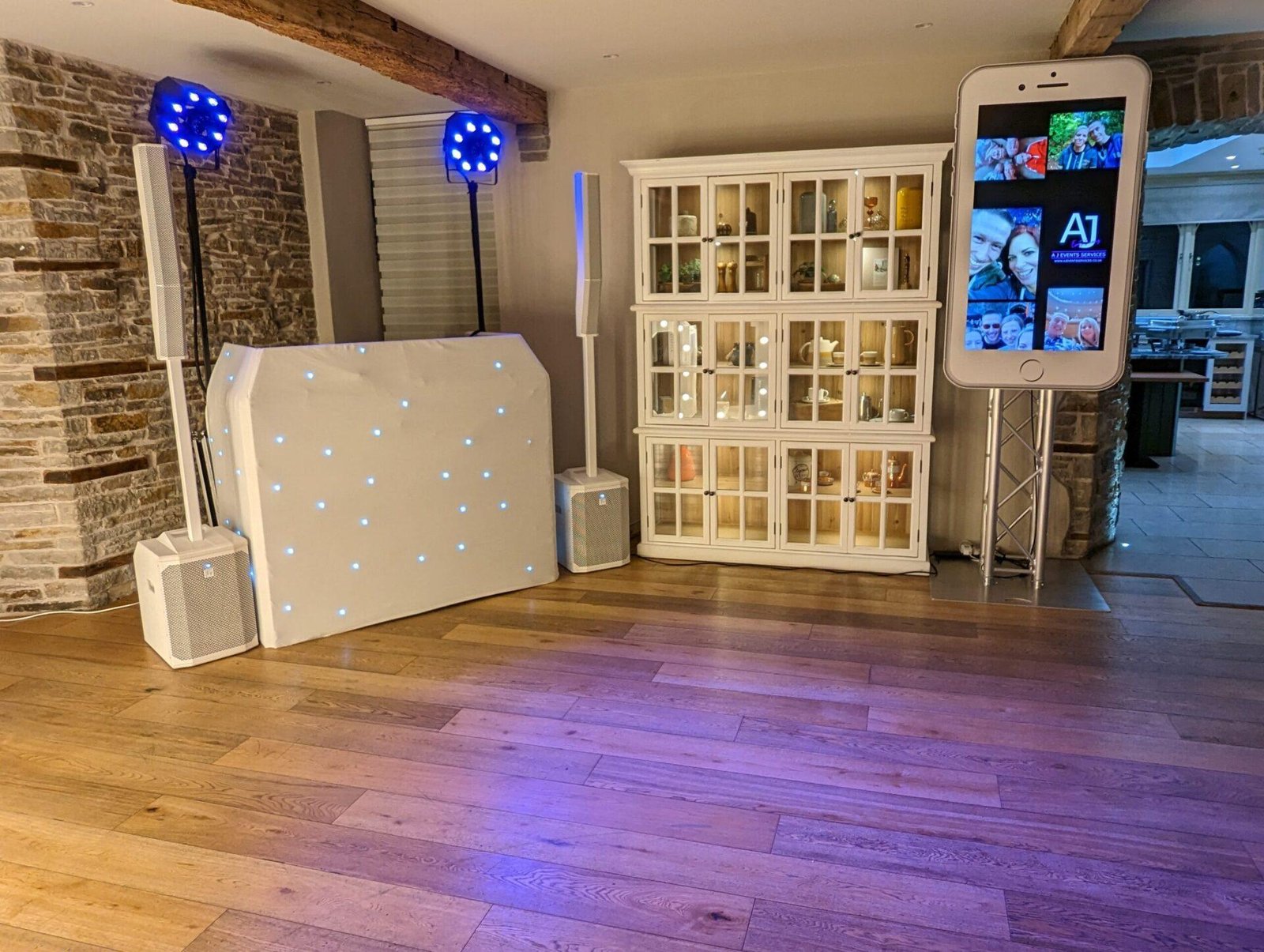
• 50-inch display screen
• Printed iPhone-style screen surround
• Truss stand
• iPhoto computer system
• Private WiFi broadcasting unit
• “How to Use” instruction cards
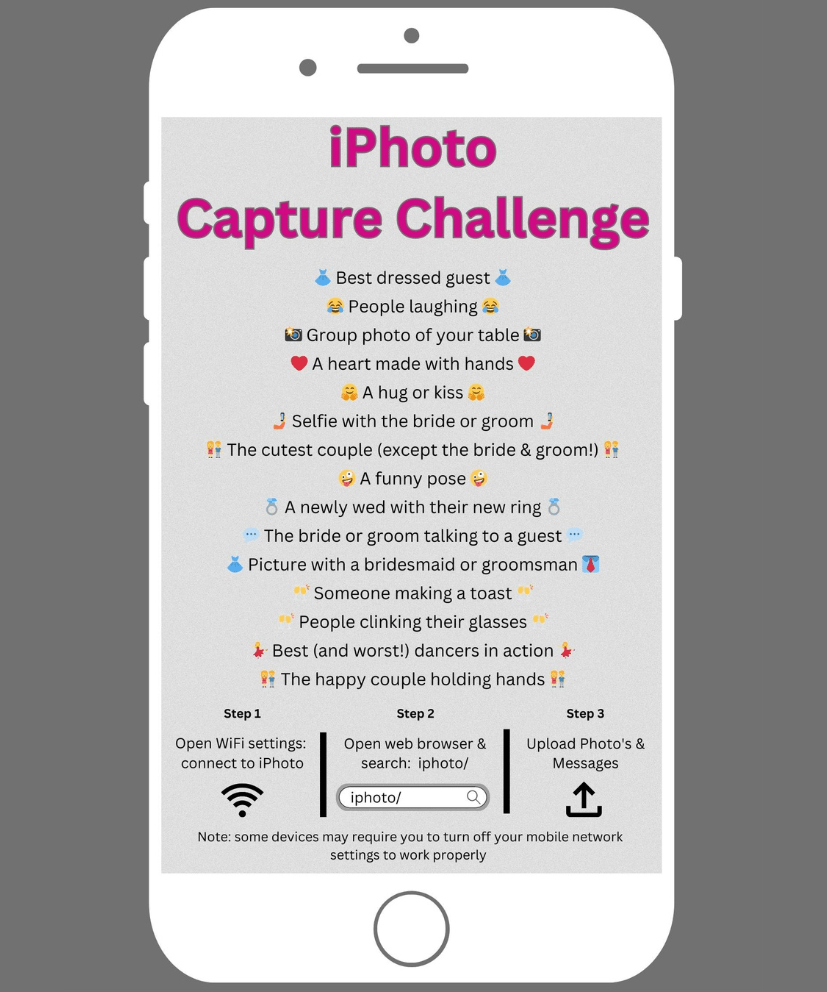
• Capture Challenge cards
• Full setup and pack-down
• All uploaded images supplied after the event via online drive
How the iPhoto Digital Display Works
Step 1 — We Set Up the Display Area
The system is installed on its truss stand with the iPhone-style surround, power connected, and the private iPhoto WiFi network made ready before guest use.
Step 2 — Guests See How to Join
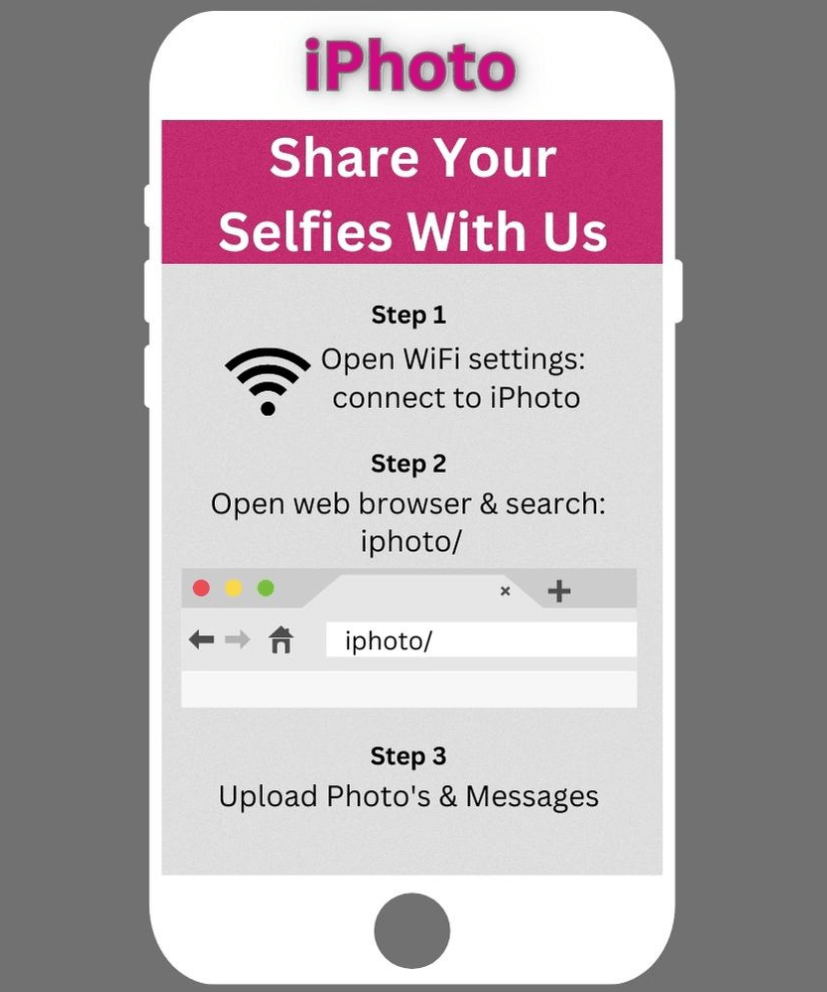
Instruction cards and signage show guests how to connect to the iPhoto WiFi and take part.
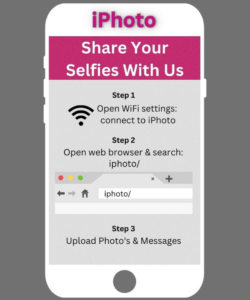
Step 3 — Guests Connect to the Private iPhoto WiFi
Guests join the private network using their own phones. No venue internet is needed.
Step 4 — They Open the Upload Page
Once connected, guests open the local upload page in their browser.
Step 5 — They Upload Photos and Optional Messages
Guests can share photos they’ve just taken, or other suitable images from the event, along with optional messages.
Step 6 — The Gallery Builds Live on Screen
Uploaded content appears within the scrolling gallery on the display, creating a live shared visual timeline of the evening.
Step 7 — We Monitor and Moderate When Needed
An admin control area allows uploads to be reviewed and removed if necessary so the display stays appropriate and on-brand for the event.
Step 8 — Everything Is Supplied After the Event
All uploaded images are provided to the client after the wedding via online drive.
Pre-Load Your Own Memories
Before the wedding, you can also provide selected images to be loaded into the system in advance. This could include childhood photos, engagement photos, wedding abroad images, or family memories, allowing the display to start with personal content before guest uploads begin.
Compare Our Wedding Entertainment Packages
Our wedding entertainment packages are designed to offer clear options for couples who want professional DJ hosting, visual atmosphere, and guest interaction working together in one coordinated setup. iPhoto is often added where couples want a more interactive digital feature as part of a wider evening experience.
Glitz & Glamour
from £1,500
A cinematic, feature-led wedding evening experience.
• Professional DJ & hosting
• Choice of premium photo booth
• LED dance floor & venue uplighting
• Special effect feature moment
• Light up letters (initials)
• Two experienced staff
Starlight
From £1,150
(Most Popular)
The complete, balanced wedding evening experience.
• DJ & professional hosting
• Choice of photo booth
• 12ft LED starlit dance floor
• Venue uplighting
• Two experienced staff
Beats & Poses
From £850
Music-led energy with interactive guest fun.
• Professional wedding DJ
• Choice of photo booth
• Full setup & pack-down
• Two experienced staff
Looking To Build A More Complete Evening Experience?
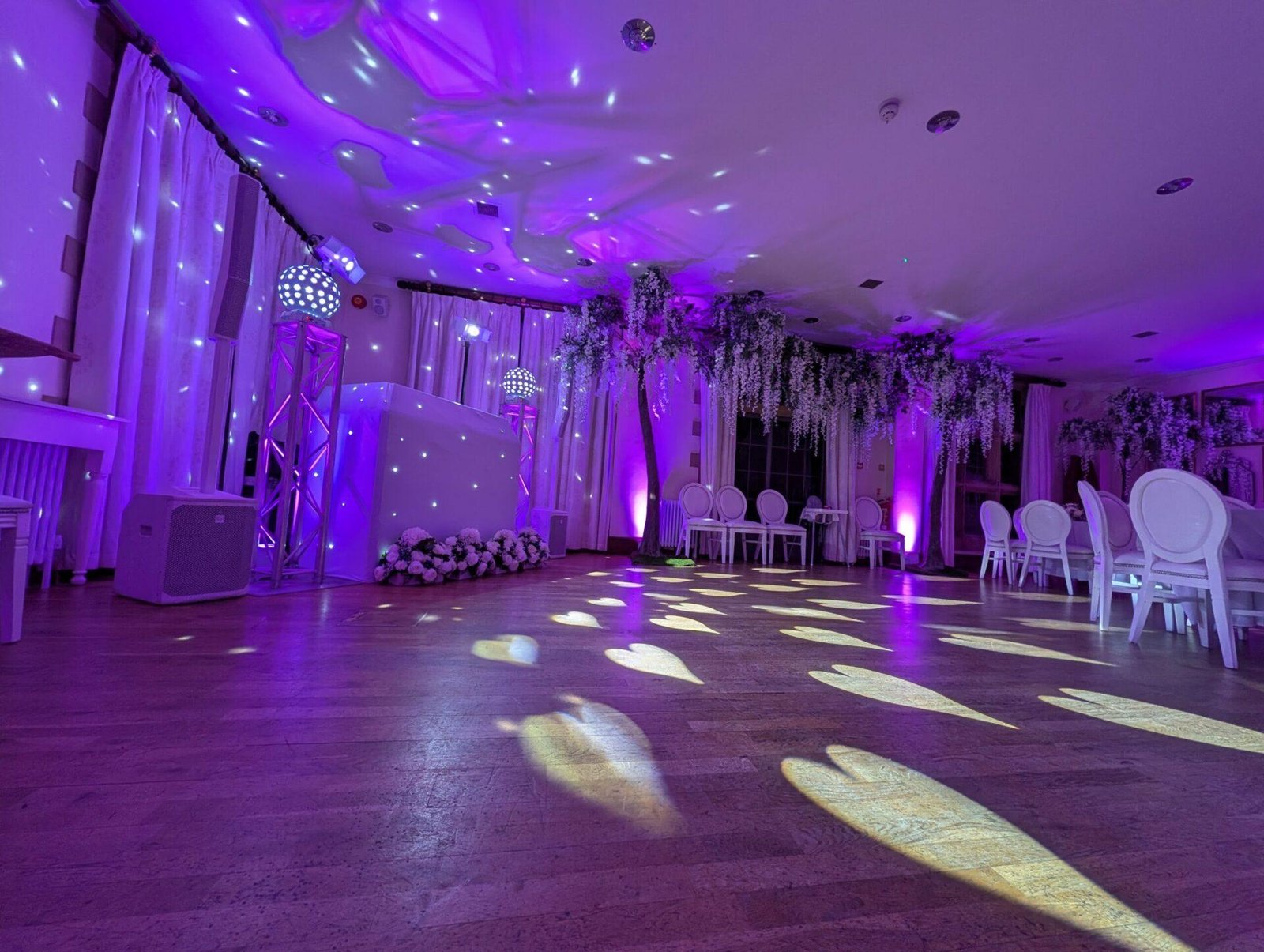
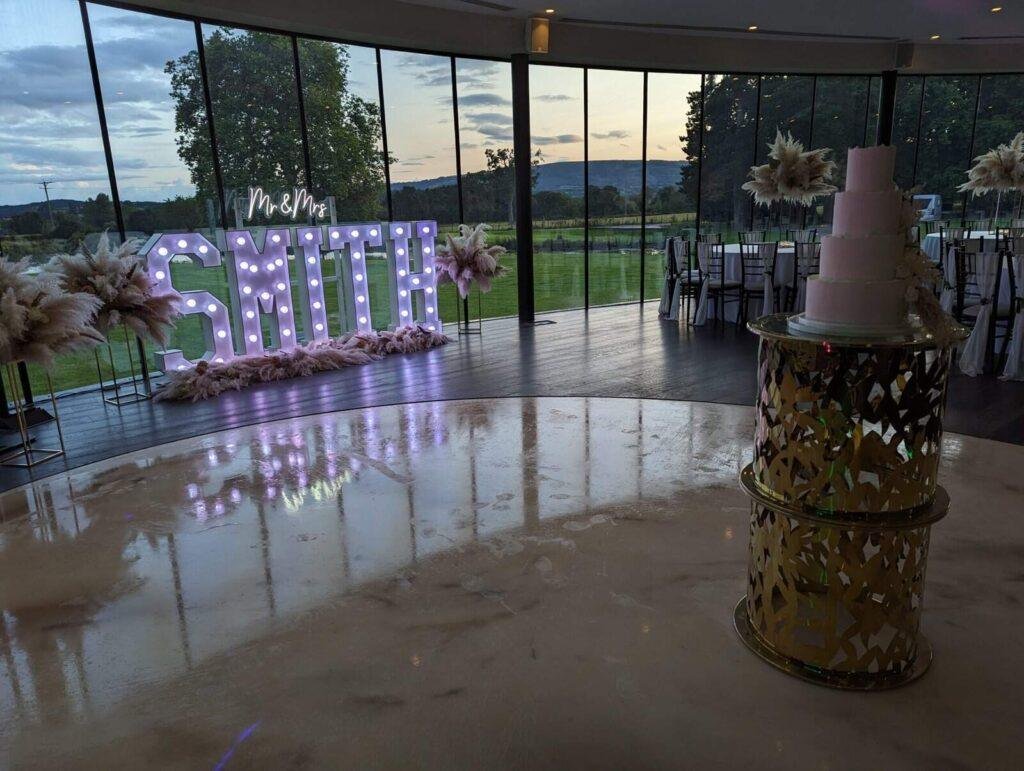
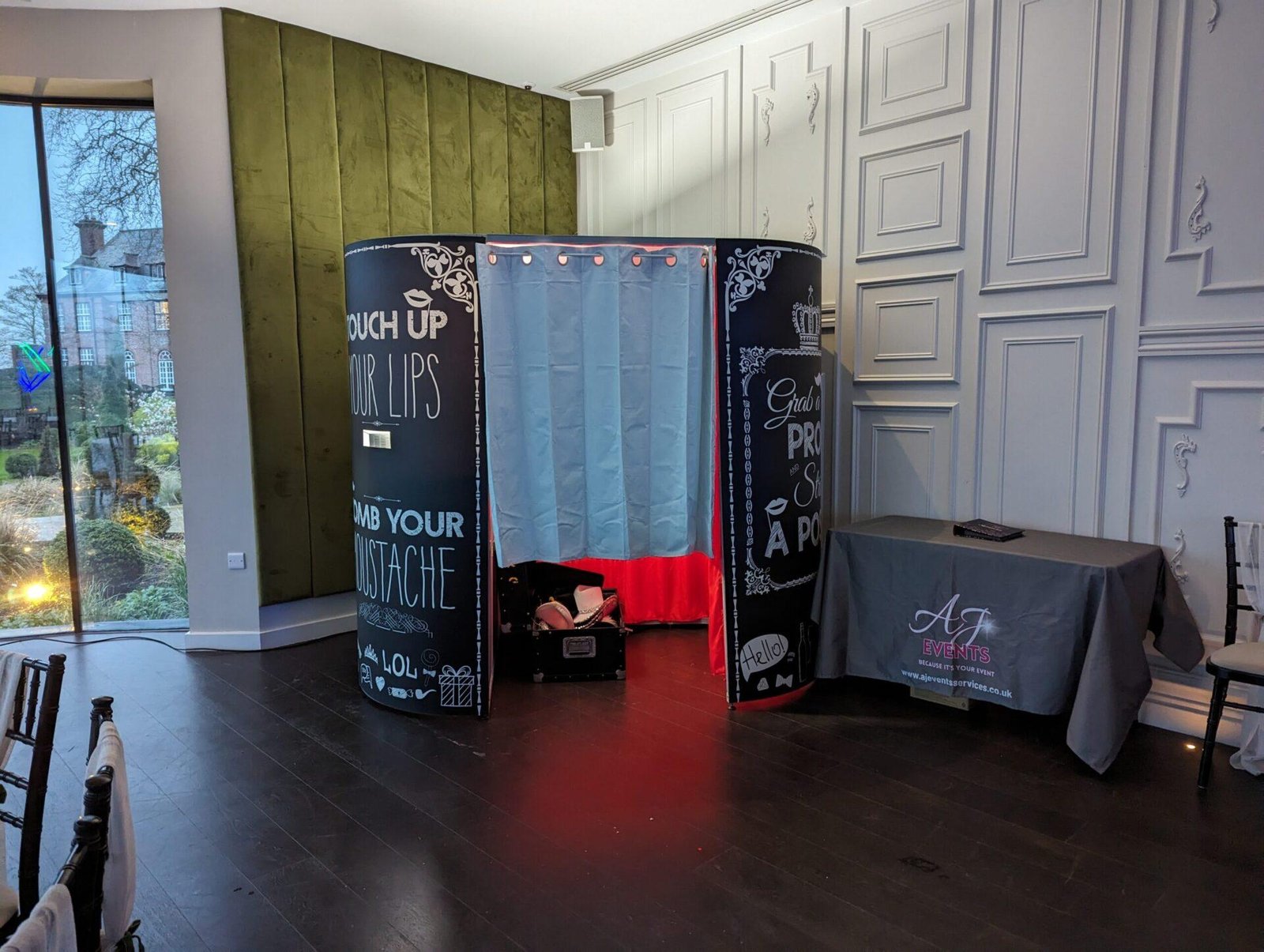
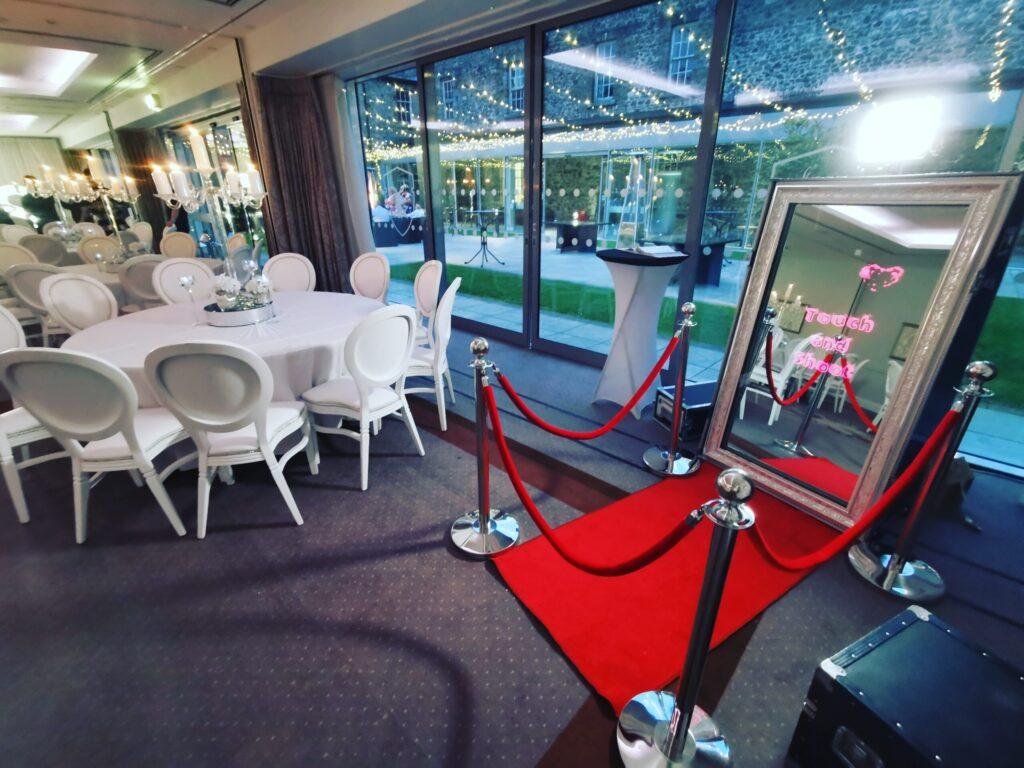
Many couples combine individual services with other entertainment and visual features to create a more complete wedding evening. From professional DJ hire and booth experiences to dance floors, uplighting, and personalised venue features, these additions help build the right combination for your venue, style, and plans.
iPhoto Digital Display Frequently Asked Questions
Q. Does iPhoto need venue WiFi?
A. No. The system runs on its own private WiFi network and does not rely on venue internet.
Q. Can guests upload photos from their phones?
A. Yes. Guests upload using their own devices after connecting to the iPhoto WiFi and opening the local upload page.
Q. Can guests leave messages too?
A. Yes. Guests can upload optional messages along with their photos.
Q. Is it a photo booth?
A. No. It is not a photo booth, not a touchscreen kiosk, and not a printing system. It is a live digital gallery experience.
Q. Is the screen touchscreen?
A. No. Guests interact using their own phones rather than the display itself.
Q. Can we preload our own photos before the event?
A. Yes. Childhood photos, engagement photos, wedding abroad images, and family memories can all be preloaded into the system before the event.
Q. Can uploads be moderated?
A. Yes. The system includes an admin control area so uploaded content can be reviewed and removed if necessary.
Q. Is iPhoto included in any package?
A. It is commonly treated as an add-on and the operations manual specifically lists it as an upgrade pathway within Starlight and as an available service within bespoke builds.
Why Couples Choose Our iPhoto Digital Display
• Creates a live guest-driven gallery throughout the evening
• Encourages natural interaction without needing a booth visit
• Captures moments your photographer may miss
• Works without relying on venue WiFi
• Adds a stylish modern focal point to the room
Ready to Add iPhoto to Your Wedding?
If you want a modern, guest-interactive feature that keeps building throughout the evening, iPhoto adds a stylish digital gallery experience without replacing your photographer or booth. View the package options that can include it or check your date availability today.
2026 & 2027 dates are now booking — prime summer dates fill quickly.